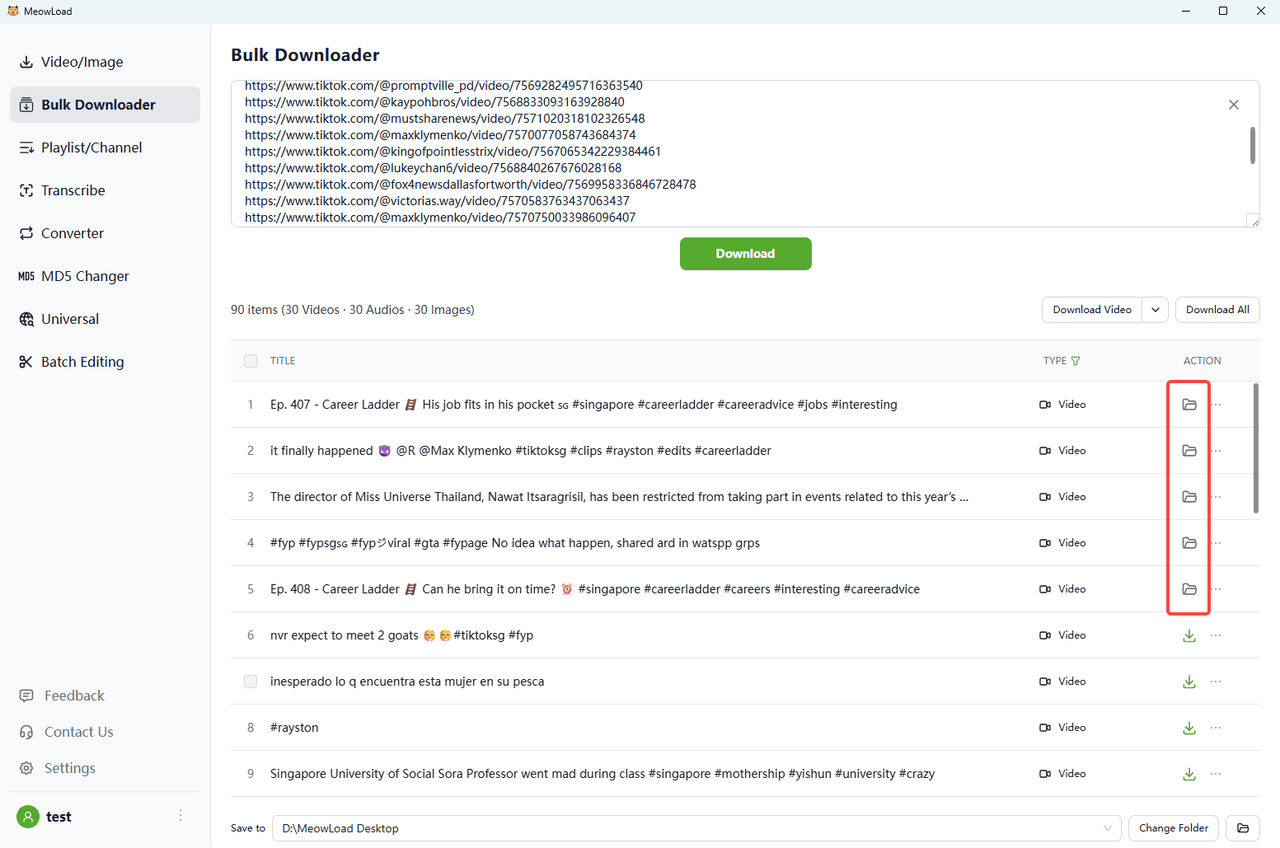
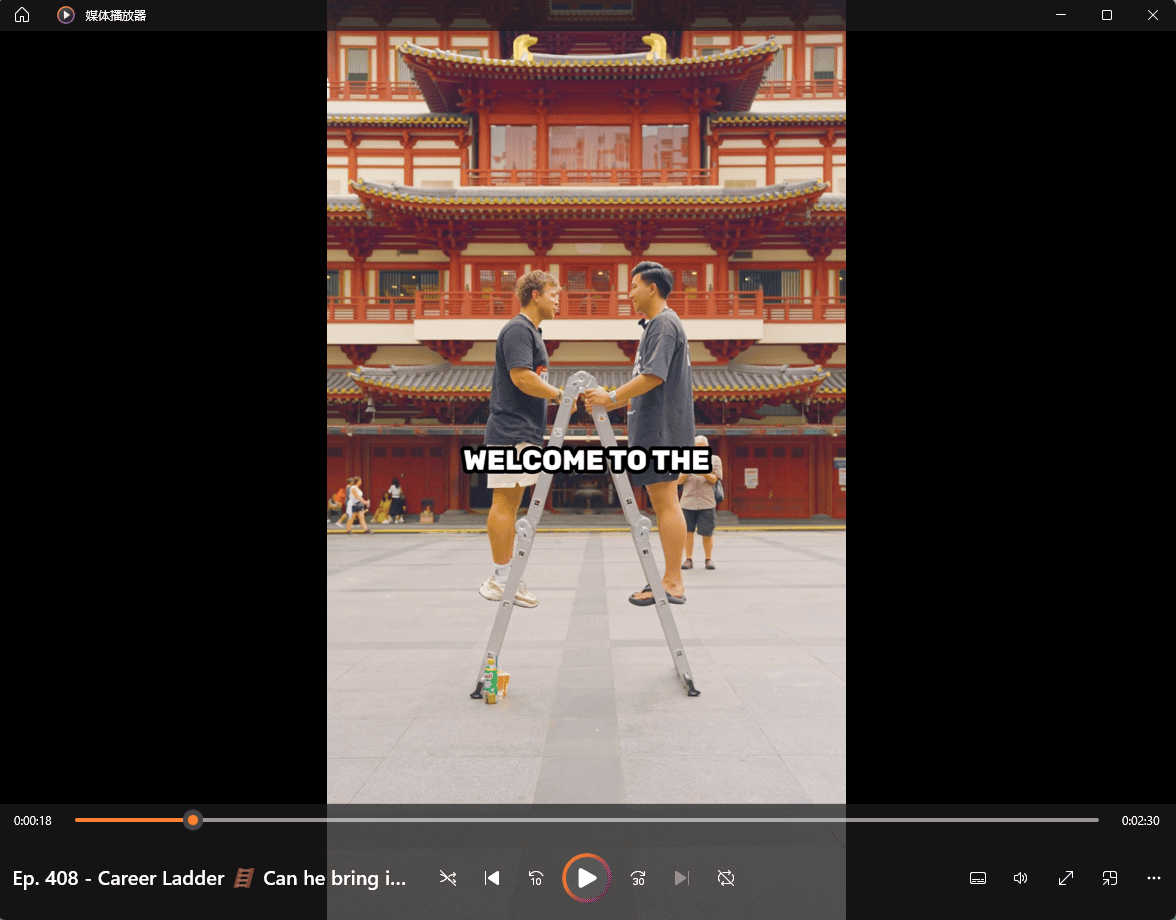
TikTok has become one of the most popular social media platforms in the world, with millions of users sharing their videos every day. However, one downside of using TikTok is that it automatically adds a watermark to all videos. While this may be useful for branding purposes, some users prefer to remove the watermark from their videos. If you want to remove the TikTok watermark, you can easily do it with MeowLoad. Follow the simple steps below to start the removal.
Step 1: Launch the App
Launch MeowLoad. It's available for macOS and Windows.
Step 2: Use Bulk Downloader
Paste the TikTok links, one per line, up to 30 links at a time. Click the Download button.
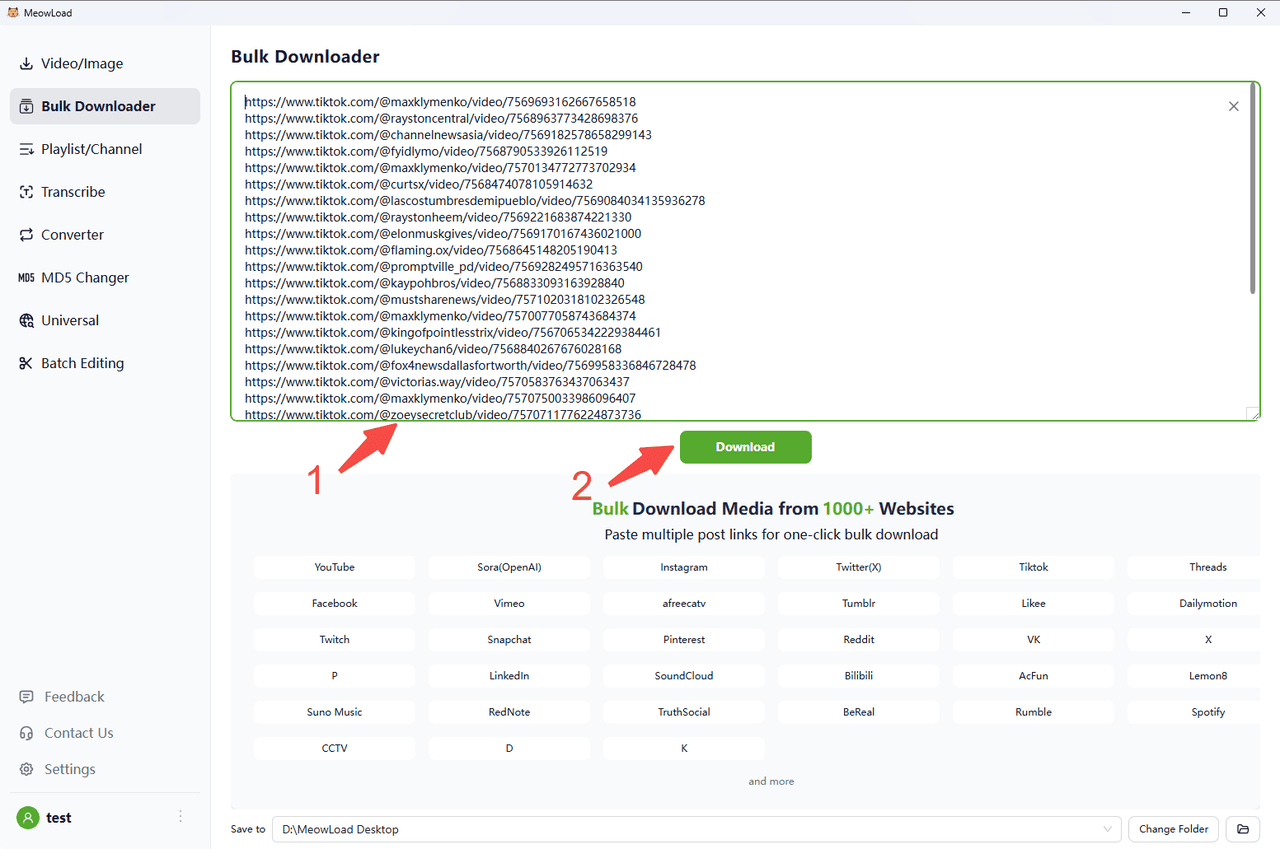
Step 3: Paste and Preview
Paste 30 TikTok video links and click the Download button. You can preview downloadable resources.
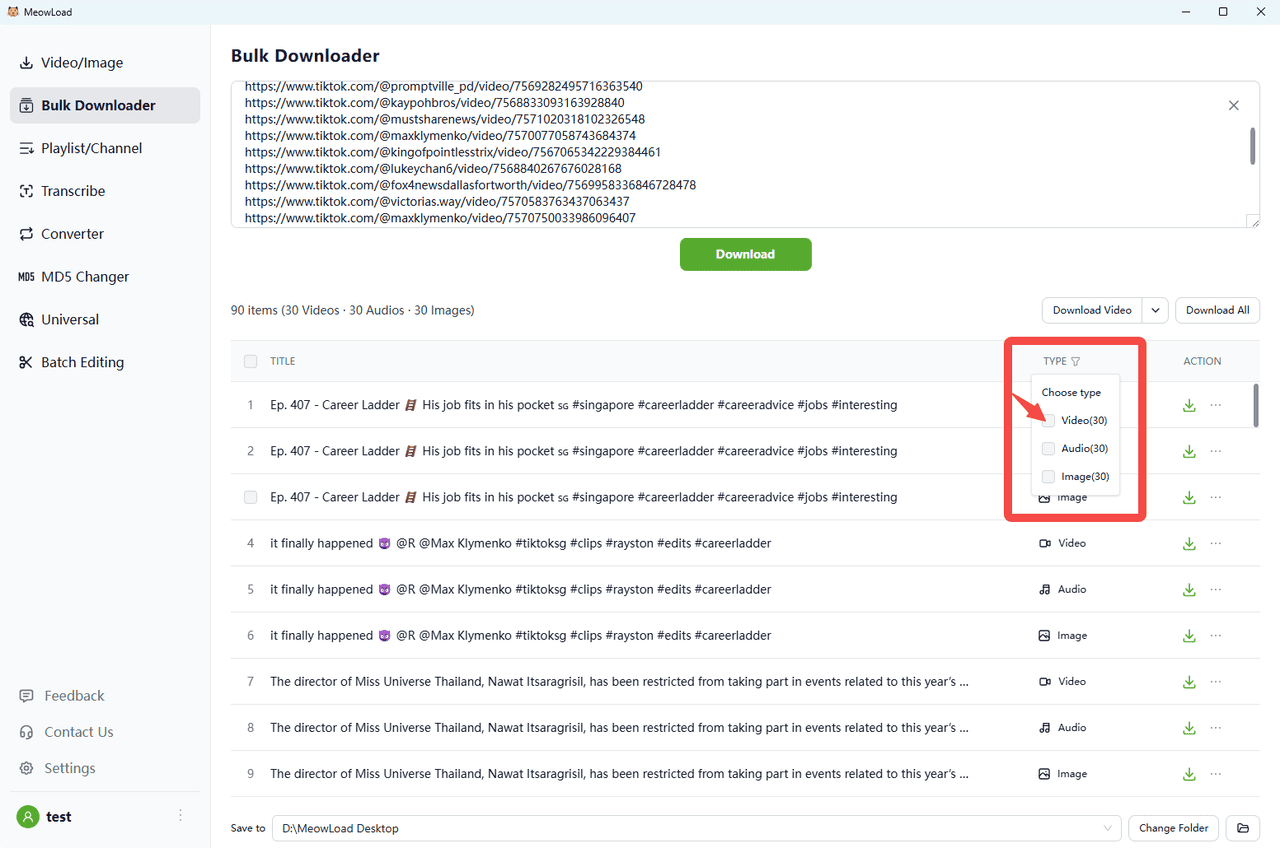
Step 4: Filter Videos
You can click the filter to select the types you need.
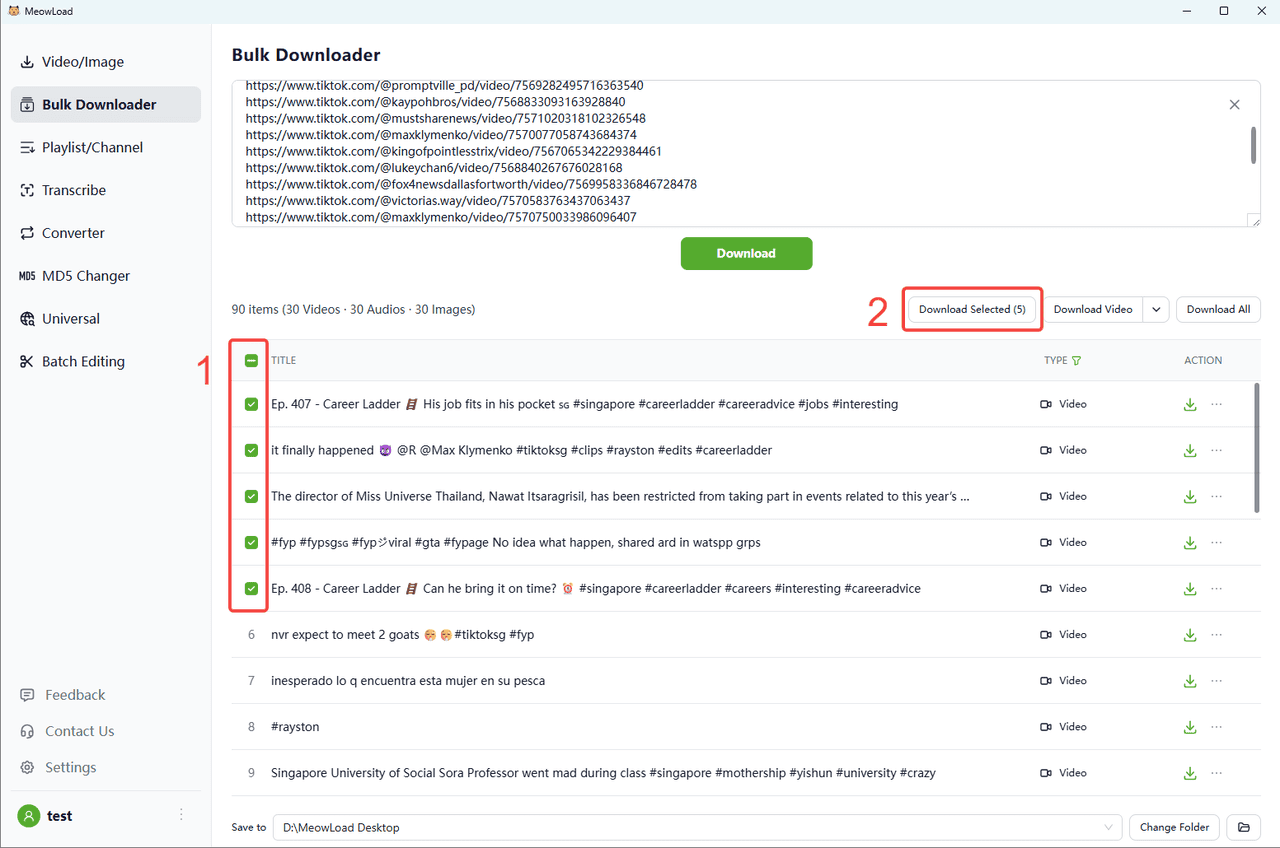
Step 5: Select and Download
We use filters to sift out video files. Click Download Selected.