Struggling to open AVIF images in Photoshop? Or realizing your webpage won’t display a WebP file correctly before going live?
Modern formats like AVIF, WebP, and HEIC are great for compression—but terrible for compatibility.
Chrome browser: AVIF to JPG
Edge browser: AVIF to JPG
No need to open tools or upload to a server—just one-click conversion for hassle-free and worry-free conversion!
(This article will show the corresponding Chrome browser extension.)
🔹 Why You’ll Love This Extension
🧩 Zero Setup Needed – Just install and start converting
🔄 Batch Conversion – Drag and drop multiple images at once
🖼️ Wide Format Support – AVIF, WebP, PNG, HEIC, TIFF, BMP → JPG/PNG
🚀 Blazing Fast – Converts locally, no internet needed
🔒 Privacy First – All processing is done 100% offline
🎯 Drag & Drop Interface – Seamless user interaction
🖱️ Right-Click Integration (Optional) – Even more convenience
👥 Who’s This For?
💼 Designers – Need to send JPGs to clients or upload to platforms
🌐 Developers – Ensuring compatibility for older browsers or devices
📷 Photography Enthusiasts—Dealing with HEIC from iPhones on Windows
🎓 Students & Educators – Need format-friendly images for Word or PowerPoint
🛠 How to Use It
- Install the AVIF to JPG extension
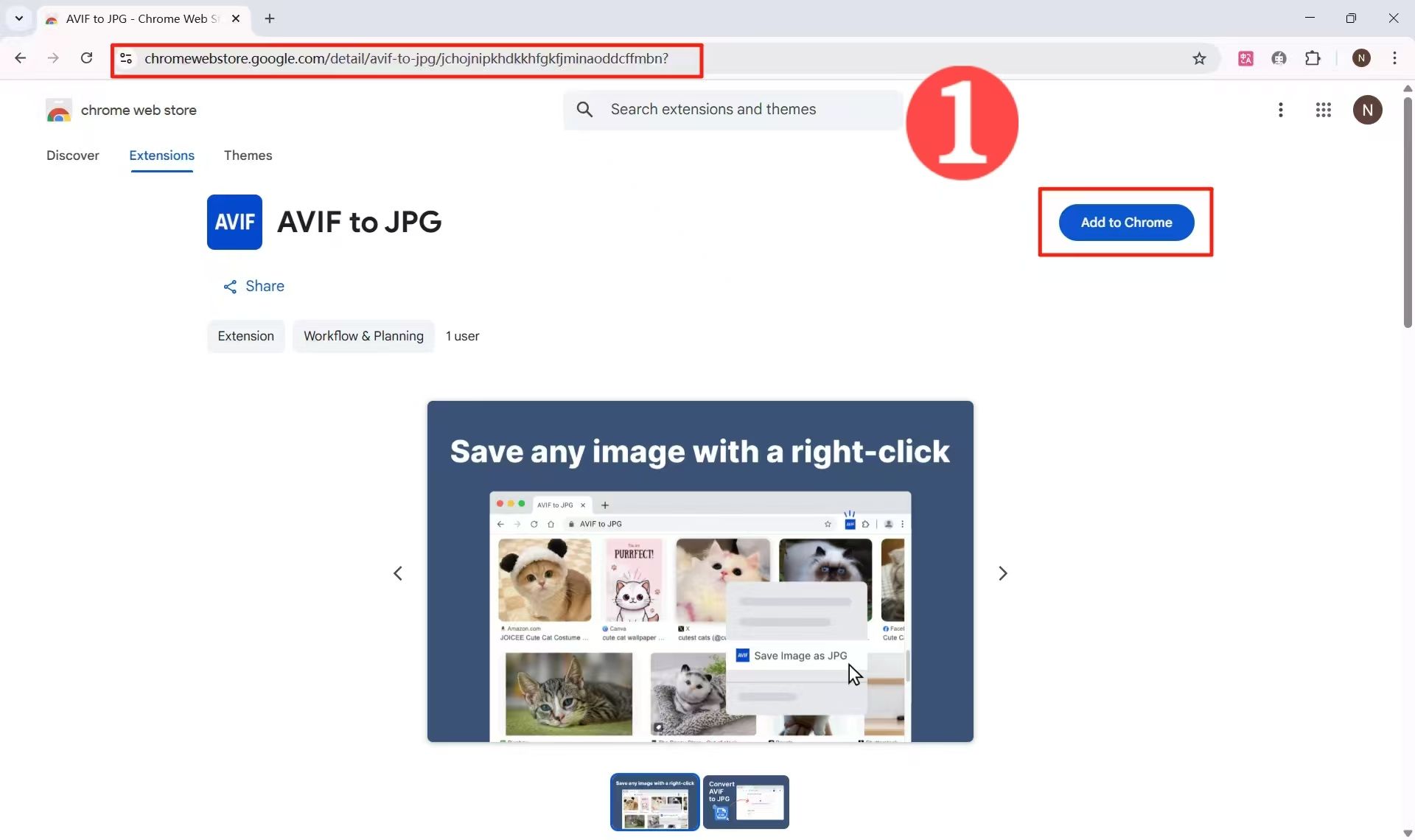
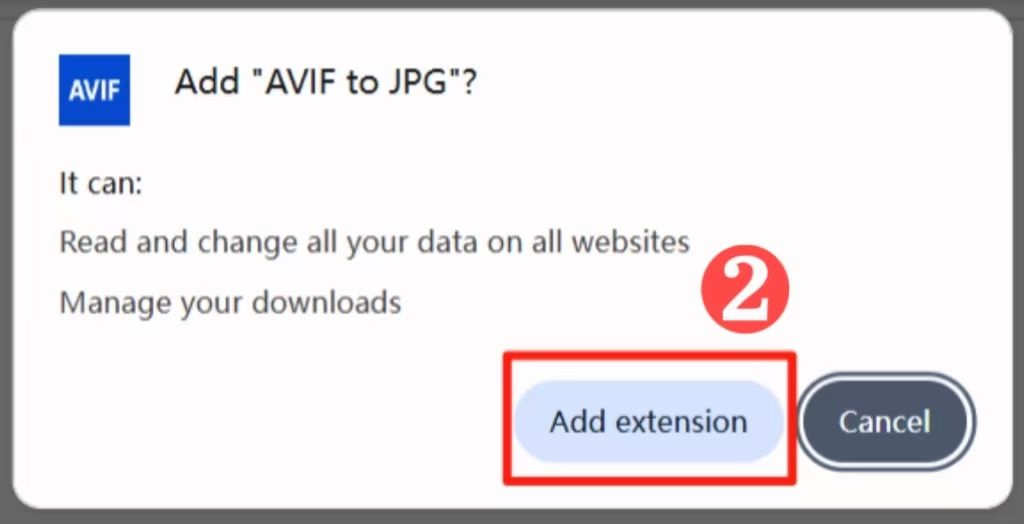
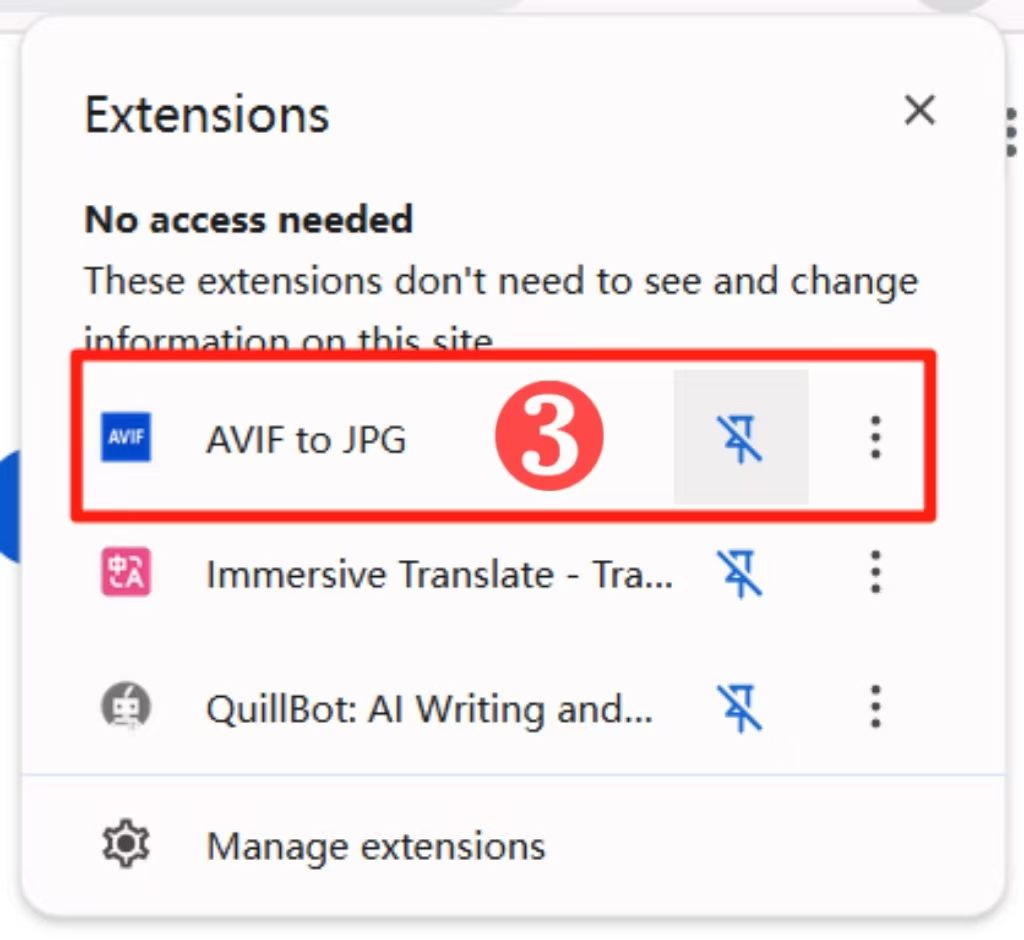
2、Click the icon and select the output format (JPG / PNG).
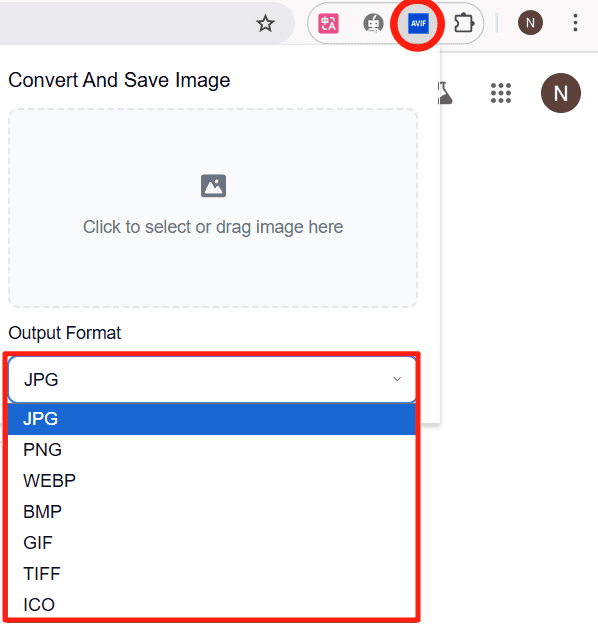
3、Go to the image page and select the image.
- Right-click and select the plugin icon.
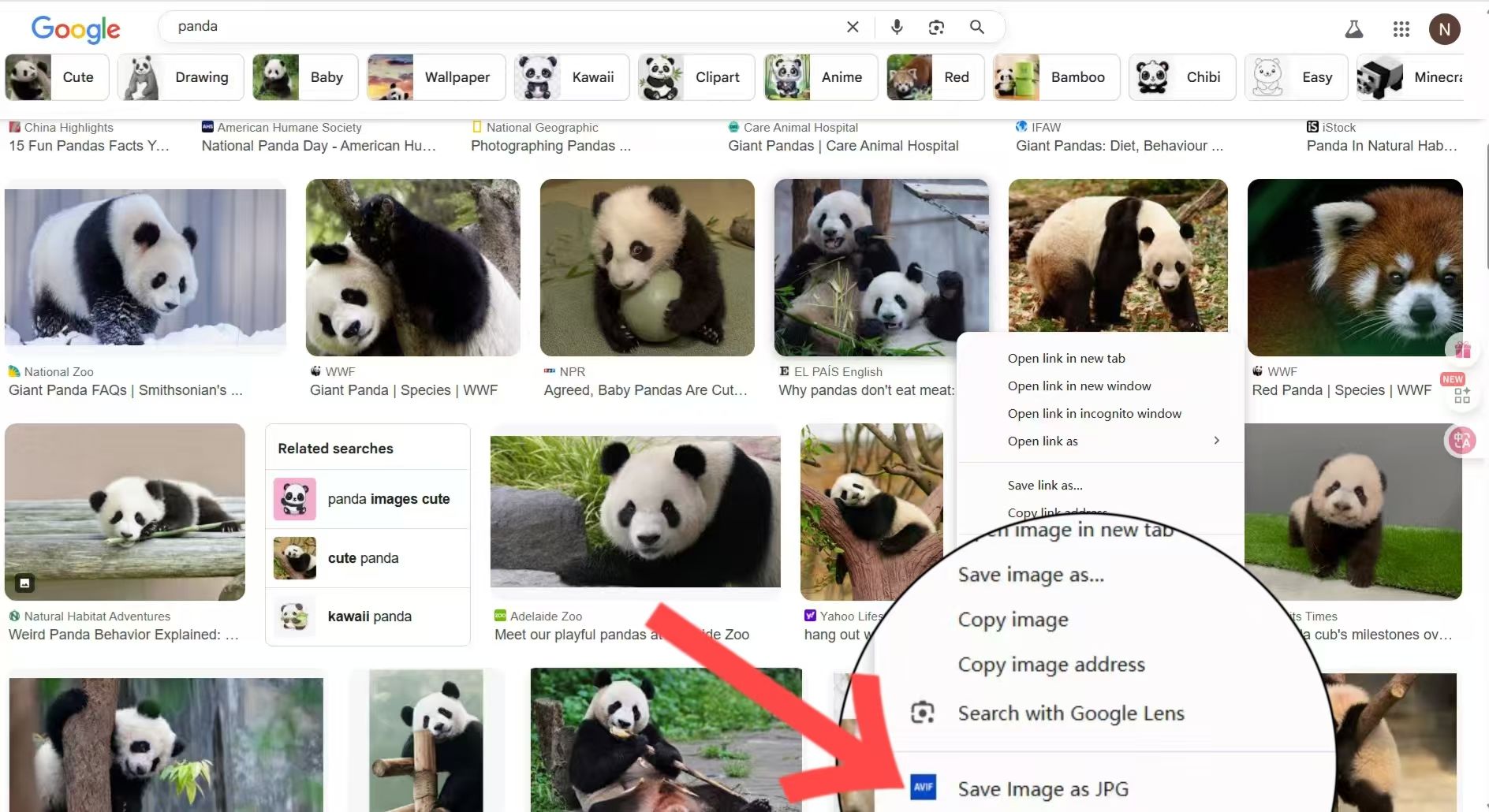
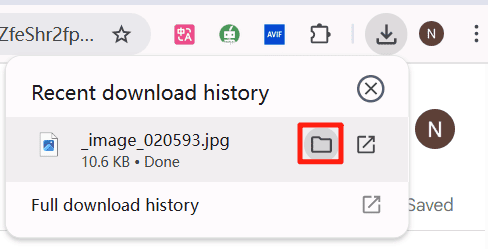
- Download and convert with one click!
🔍 Why Not Use Photoshop, Squoosh, or Online Tools?
Tool Needs Internet Batch Support UI Clutter Cost
AVIF to JPG ❌ Local Only ✅ Yes ✅ Minimal ✅ Free Forever
Online Converters ✅ Required ❌ Limited ❌ Ads ⚠️ Limited plans
Photoshop ❌ Heavy Install ❌ Manual ❌ Complex ❌ Paid
Squoosh ✅ Web-Based ❌ Single Only ✅ Slightly Complex ✅ Free
✅ Final Thoughts
Why struggle with bloated apps and online converters when you can simply install one clean extension?
Make image conversion effortless with AVIF to JPG.