VK (VKontakte) is one of the most popular social platforms in Russia and across CIS regions. Users frequently share music videos, movie clips, educational content, and more. However, VK does not offer a direct download option, which makes saving videos locally a challenge.
This guide shows you how to extract and download videos from VK by using our Video/Image Downloader tool.
Steps to Follow
Step 1: Copy the VK video link
Open the VK website or app and navigate to the video you want to download. On the video playback page, click the Share button and choose Copy link.
Step 2: Open the extraction tool
Go to our media extraction website. After logging in, paste the copied VK video link into the input field on the homepage.
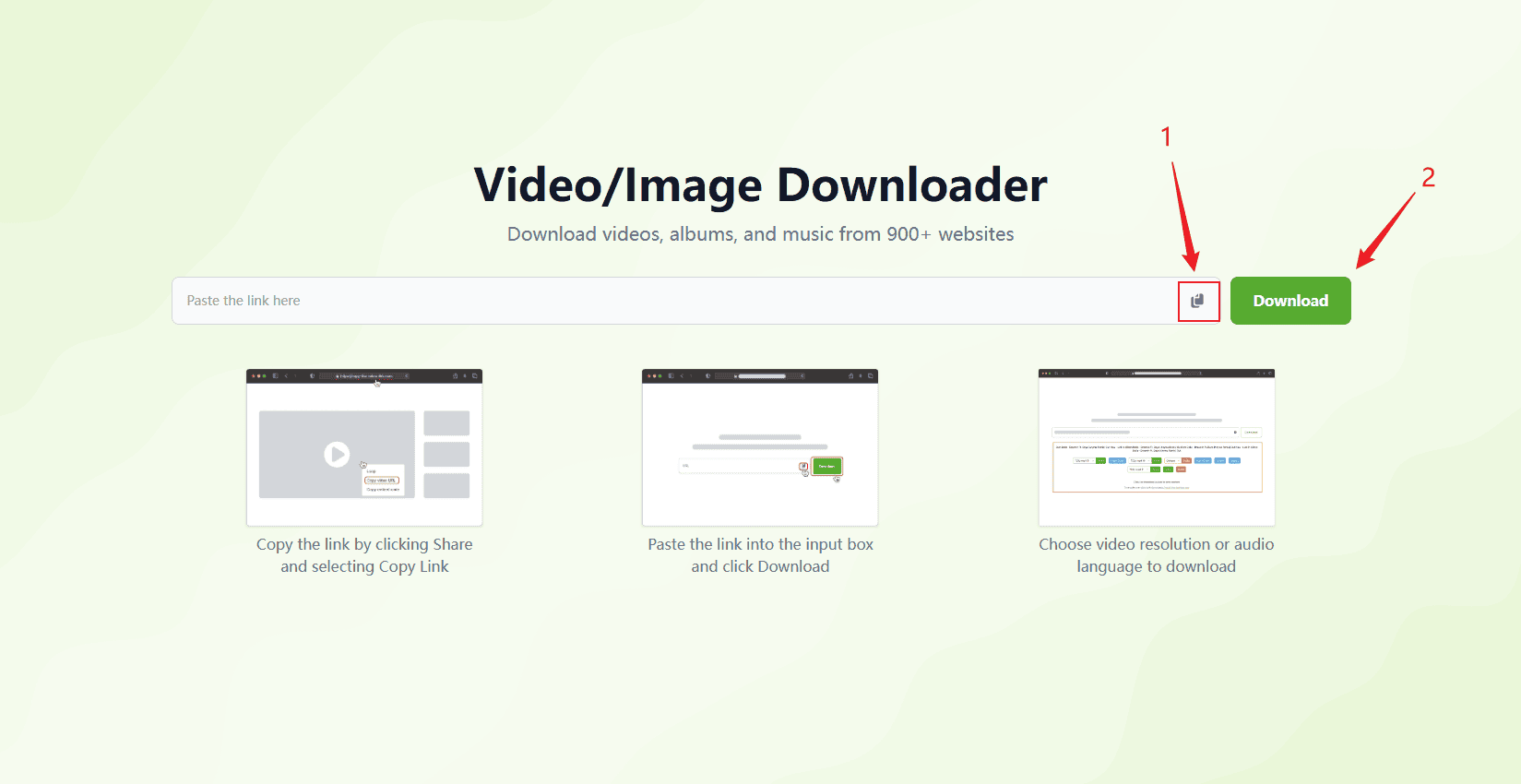
Step 3: Extract and download the video
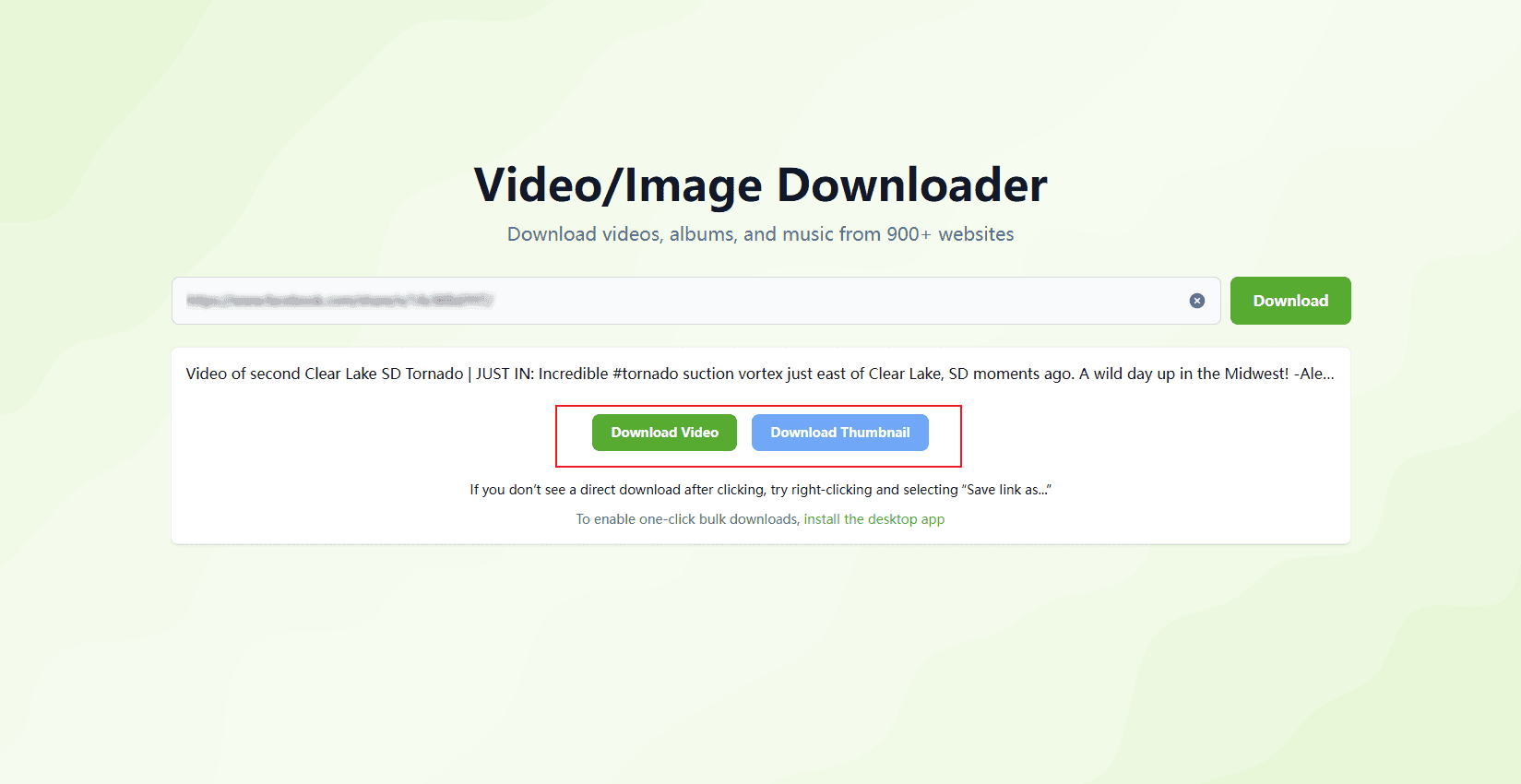
Click the Extract button. The system will identify the video content from the link. Once processed, the page will display a video preview, file size, and a Download button. Click to save the video as an MP4 file to your device.
FAQs
1. Will the downloaded video have a watermark?
No. The video is extracted directly from VK and saved in its original form, without any added watermark.
2. Can I download videos in HD?
Yes. The tool prioritizes the highest available resolution — up to 1080p when supported by the original upload.
3. Do I need to log in to VK?
No login is required for public videos. However, videos that require VK authentication cannot be downloaded.