YouTube is the world’s largest video platform, and playlists help users organize related videos for continuous viewing. However, YouTube doesn’t support downloading an entire playlist directly to your device—which can be inconvenient when you want offline access.
We recommend using our Playlist/Channel Downloader to download the entire YouTube playlist to your computer with ease.
Steps
Step 1: Copy the playlist link
Go to YouTube, open your desired playlist, and copy the full URL from the browser’s address bar.
Step 2: Go to the Playlist/Channel Downloader
Visit our Playlist/Channel Downloader in your browser. Paste the playlist link into the input box.
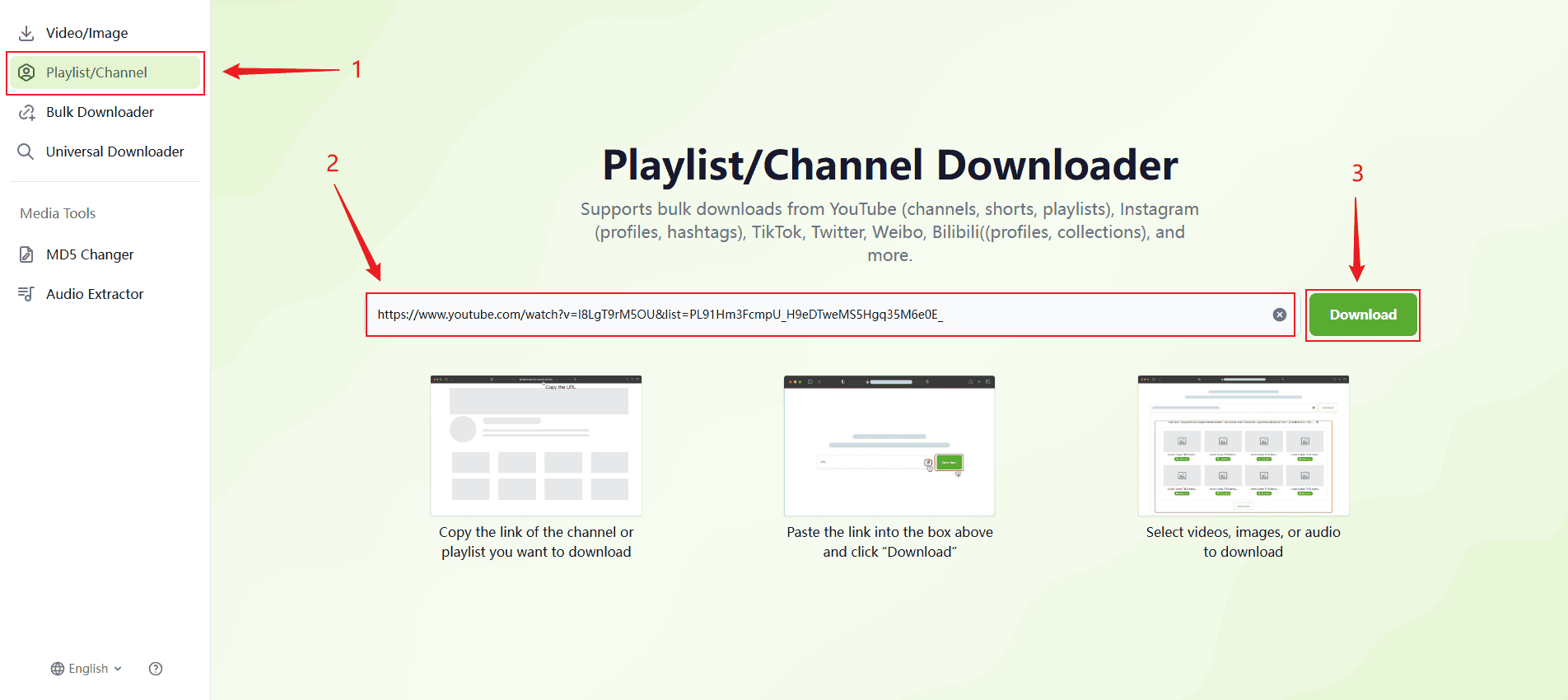
Step 3: Click the "Download" button
Click “Download” to start parsing. The system will automatically list all videos in the playlist.
Step 4: Download videos individually
Click the button next to each video to save them one by one.
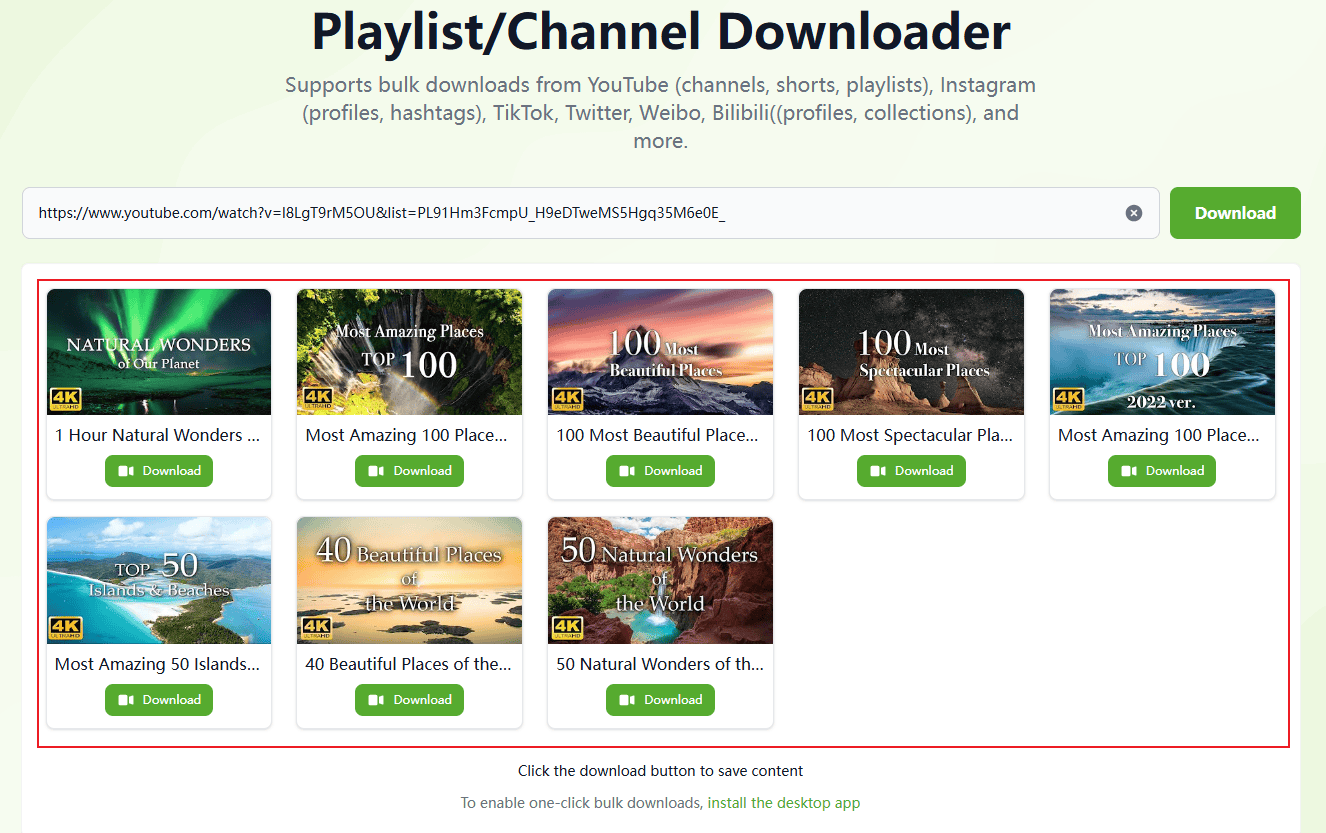
Tip: Use our desktop client to enable one-click batch downloading