When installing apps downloaded from the internet (e.g. .dmg files), macOS may block the installation and show the following message:
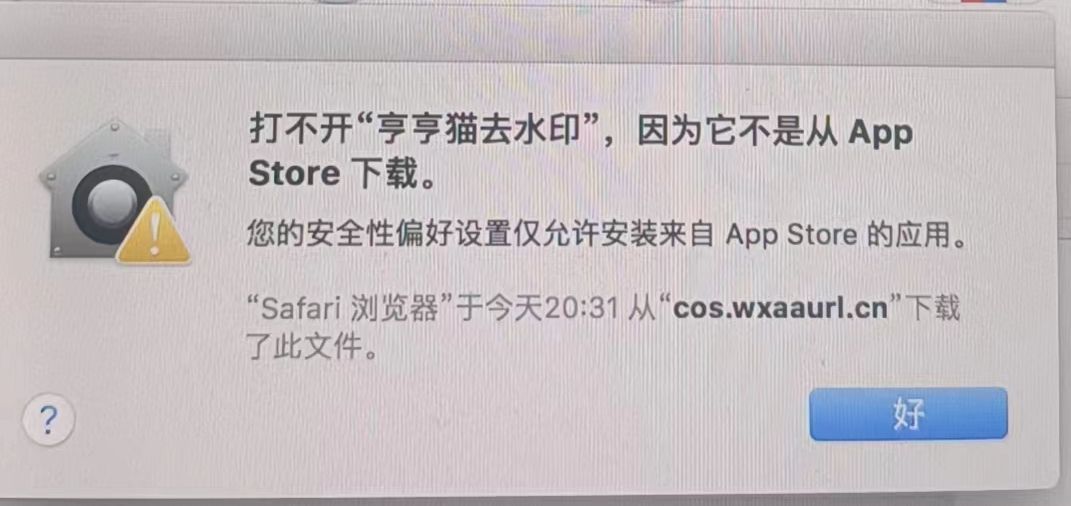
Why This Happens
This is due to macOS’s security settings, which are designed to only allow apps from the App Store or identified developers to be opened.
How to Allow Installation
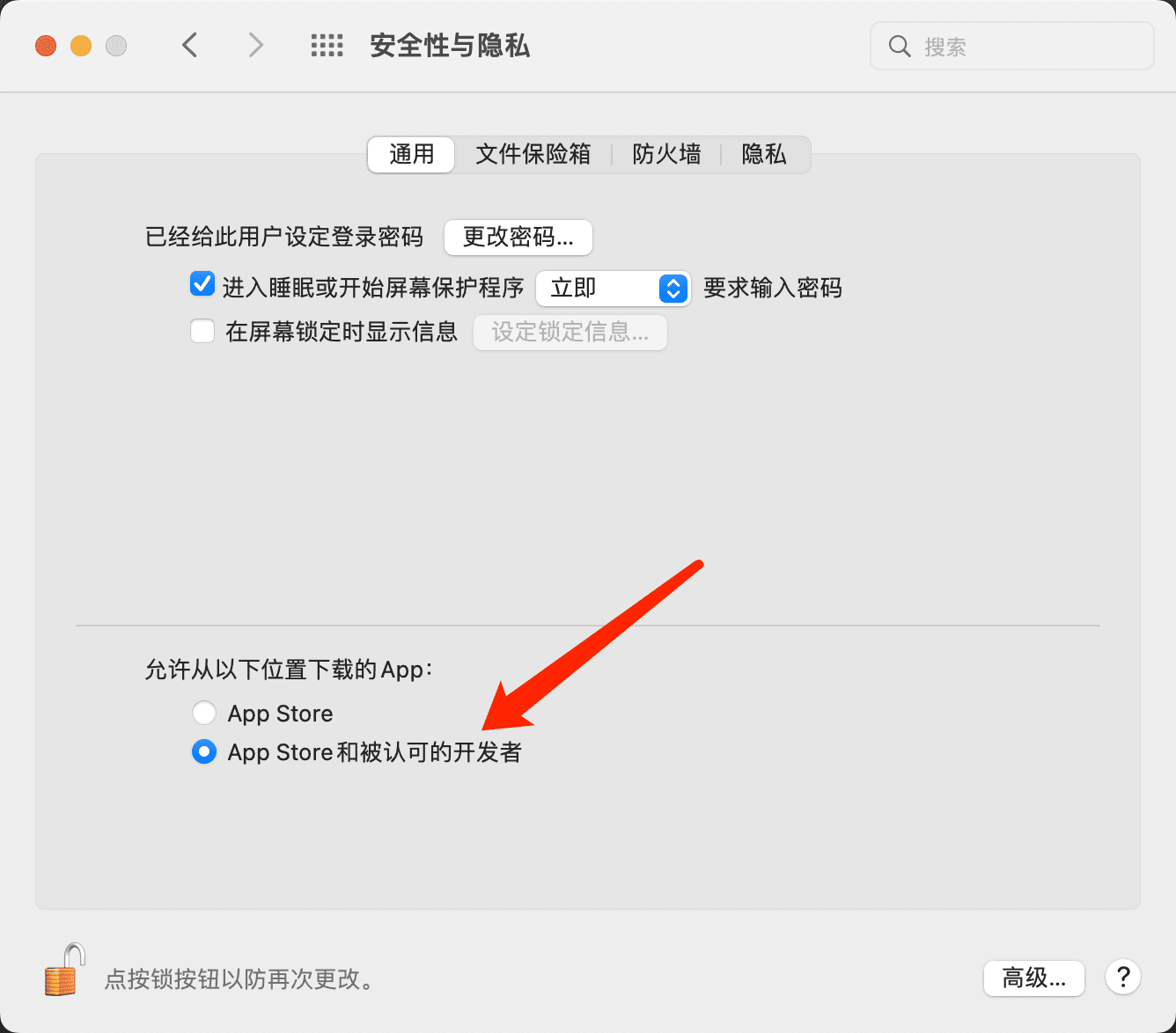
- Click the Apple menu and open System Settings (or System Preferences)
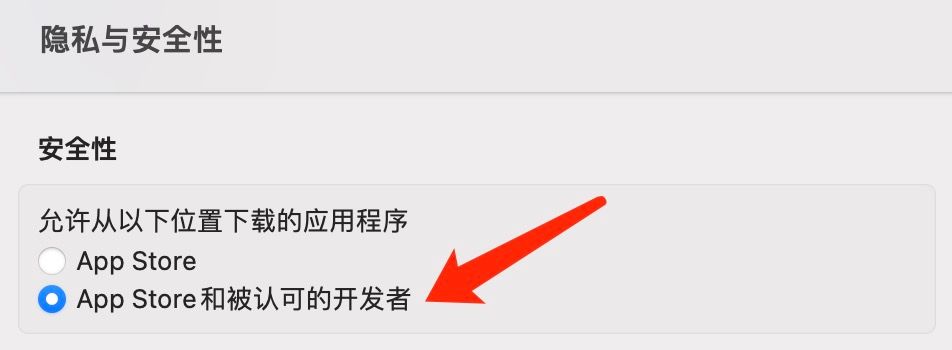
- Go to Privacy & Security > Security section
- Under Allow apps downloaded from, select App Store and identified developers If the option is disabled, click the lock icon (🔒) at the bottom left to make changes