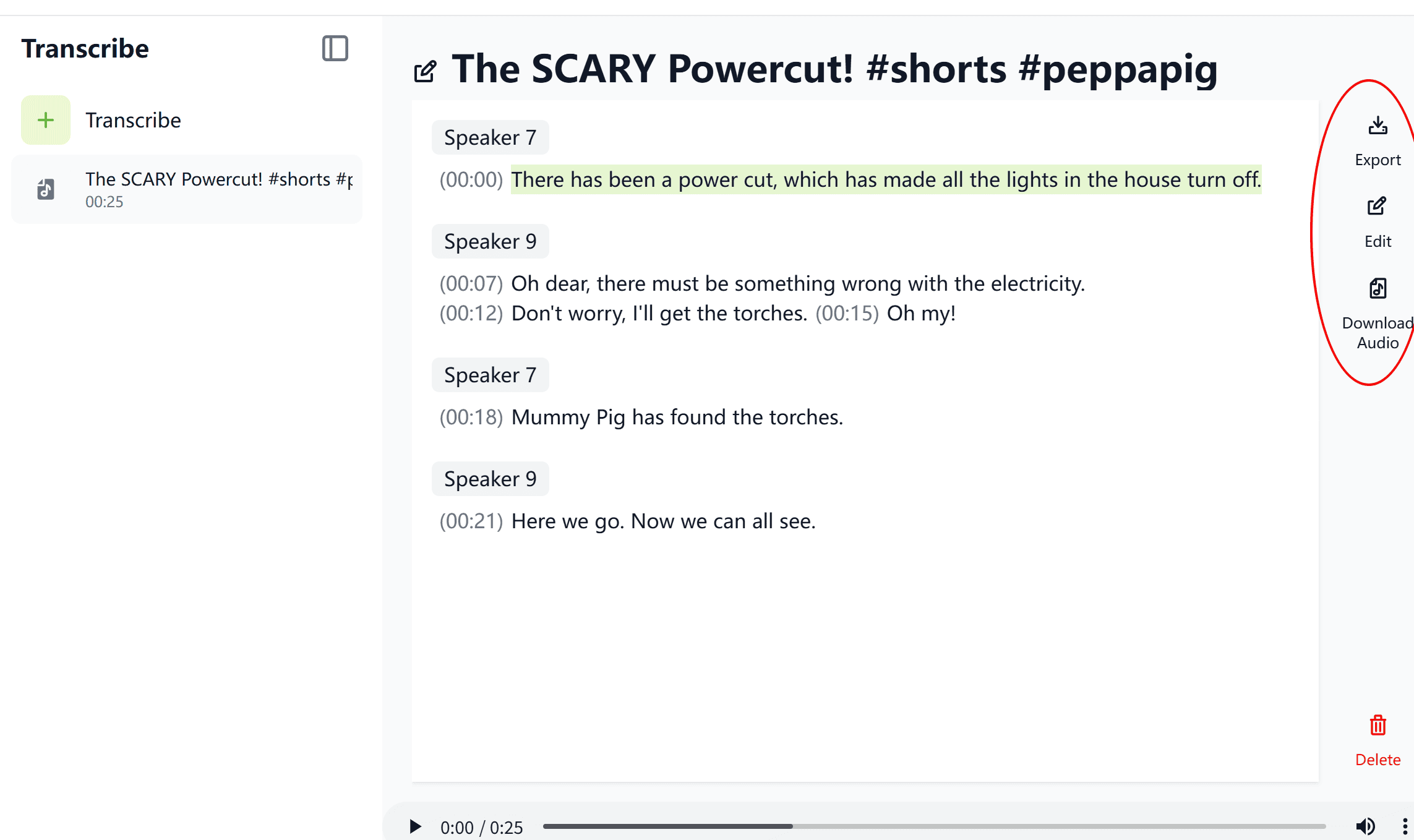
In content creation, meeting notes, course organization, or interviews,
we often need to convert audio and video into written text.
Manual transcription is time-consuming and error-prone.
Now, with MeowLoad’s brand-new “Transcribe” feature,
you can transform voice into a clear, well-structured transcript in just seconds —
making content organization faster and smarter.
Key Features
🔊 Multi-language Recognition — Supports Chinese, English, Japanese, Korean, and more.
🧩 Smart Segmentation & Speaker Detection — Automatically distinguishes speakers for clearer structure.
⚡ High Accuracy & Speed— AI-powered transcription completes in seconds.
💬 Editable & Exportable — Copy or download transcripts with one click.
🔒 Data Security — Files are encrypted and used only for transcription processing.
How to Use
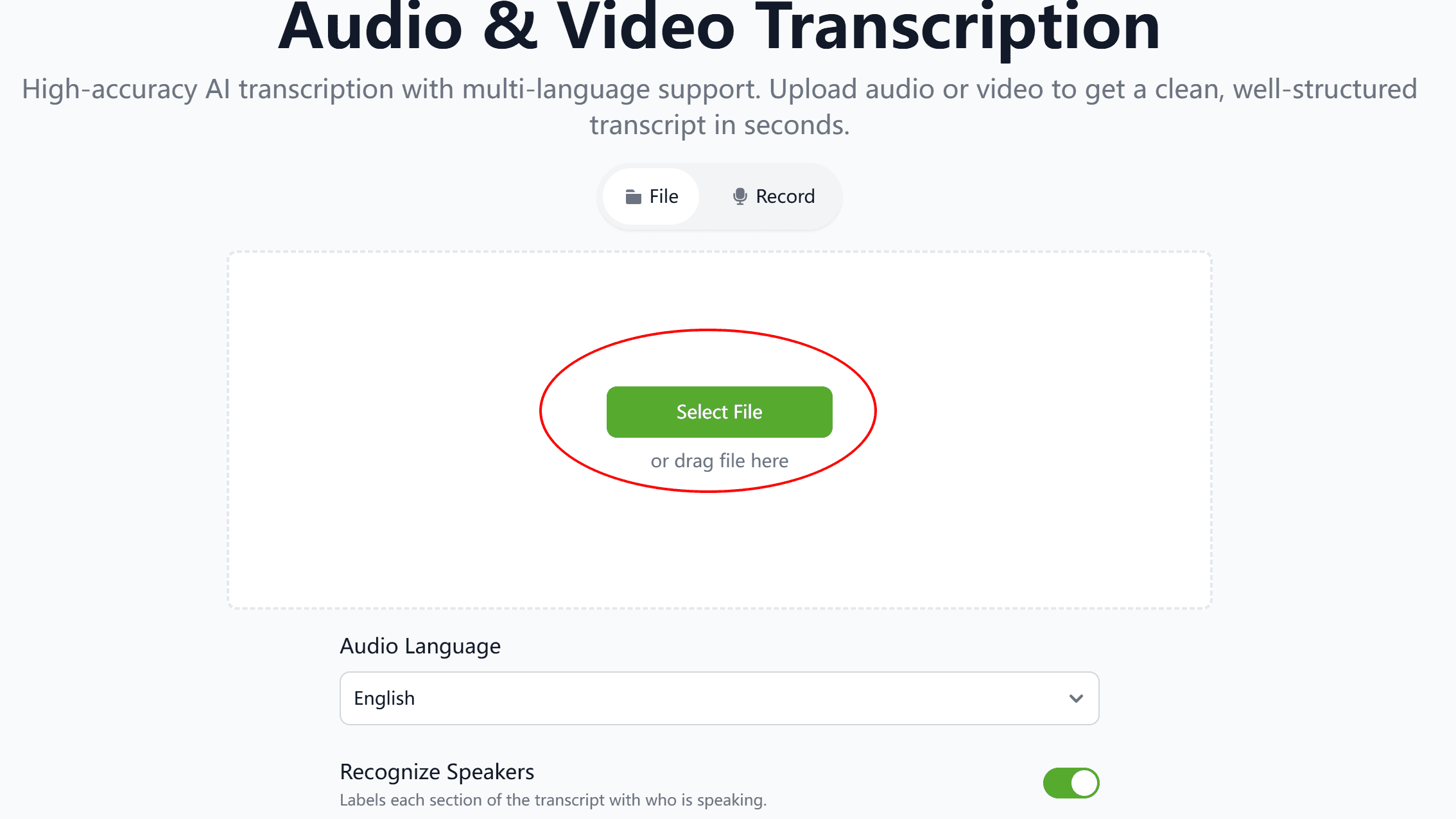
Step 1: Upload File
Click “Select File” to upload your audio or video,
or simply drag and drop it into the upload area —
you can also use “Record Online” for instant capture.
Step 2: Set Language & Options
Select the audio language (auto-detection supported).
Enable “Recognize Speakers” to let the system automatically assign speaker roles.
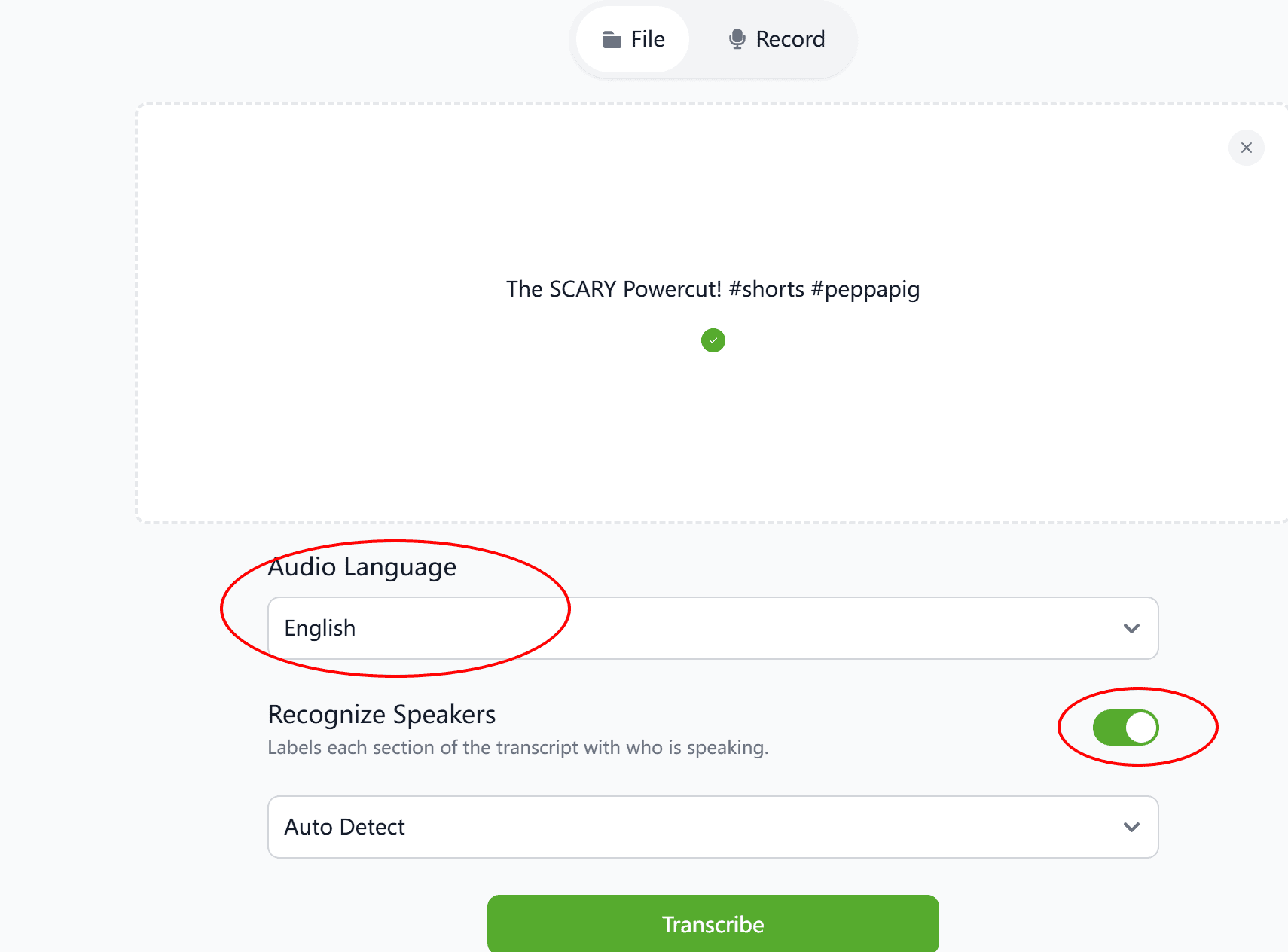
Step 3: Generate Transcript
Click “Transcribe”, and within seconds, the system will generate structured text output.
You can then edit, export, or download the final transcript.