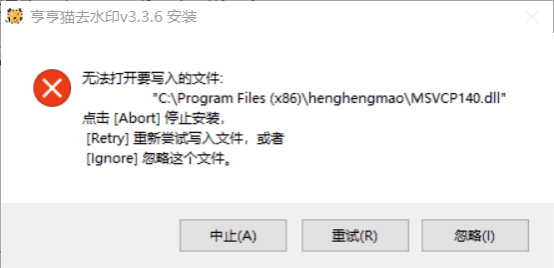
When installing or updating software, you might encounter an error like:
How to Fix
Case 1: If you encounter this issue during a version upgrade, please close the old version (i.e. stop it from running) before installing the new one. Otherwise, installing over the old version may result in the error “Unable to open file for writing.”
Case 2: If you encounter this issue during a fresh installation of the Henghengmao software, please temporarily disable 360 Security Guard on your computer. The installation should then proceed smoothly.
(You can reopen 360 Security Guard after the software is installed.)